How to Create a Video CV: Complete Guide & Examples
Last updated on 29 December, 2025


Maciej Staszek TomaszewiczWriter, Professional Association of Resume Writers and Career Coaches (PARWCC)
Reviewed by Roma KończakEditor & Writer, Certified Professional Résumé Writers and Career Coaches (PARWCC)
Our customers have been hired by*:
A video CV offers a dynamic way to showcase your skills, personality, and passion beyond a traditional CV. It’s especially valuable in creative and communication-focused roles, as it helps you make a memorable impression.
However, creating an effective video CV requires planning, scripting, technical setup, and professional presentation.
This guide will walk you through the essential steps of video CV creation, from writing and styling to lighting and delivery, so you can grab recruiters’ attention and boost your chances of success.
Create an effective CV in minutes. Choose a professional CV template and fill in every section of your CV in a flash using ready-made content and expert tips.


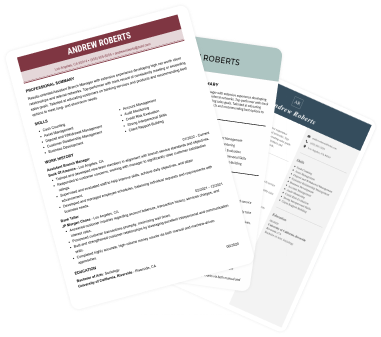
We created the sample on the left using our builder. See other good CV examples like this one.
Would you rather create a classic CV instead? See our other guides:
- What Should You Include in a CV?
- Writing a CV With No Experience
- How to Introduce Yourself on a CV
- How to Write a CV Summary
- What Does a CV Stand For?
- How to Add a CV to LinkedIn?
- How to Attach CV References?
- How to Use ChatGPT to Write a CV?
- How to Write a CV Introduction?
What is a video CV?
A video CV is a short 60–120 second video introduction that complements—but does not replace—your standard UK written CV. It is best used for client-facing, creative, sales, hospitality, or media roles.
Keep your script under 250 words, film in 1080p HD (16:9 landscape) with good lighting, and submit it as an unlisted link (Vimeo or YouTube) or a direct MP4 file attachment.
Tip: A randomised field trial involving over 2,000 job applications found that including a video CV increased callback rates by more than 10 percentage points.
Specifications for a video CV
| Metric / Parameter | Recommendation | Why it matters |
| Ideal duration | 60 to 120 seconds (1.5 mins max) | Recruiters spend under 2 minutes reviewing applications; concise videos have a 90%+ completion rate. |
| Script word count | 150 to 250 words | Spoken at a natural pace (130–150 words per minute) to ensure clarity without rushing. |
| Video format & aspect | 1080p HD, 16:9 Landscape | Professional desktop/laptop view; avoids phone-vertical black bars on ATS portals. |
| Hosting & delivery | Unlisted Vimeo / YouTube link | Prevents email attachment size limits (under 25MB) and avoids triggering spam filters. |
| Primary placement | Hyperlink on Page 1 of Written CV | Ensures ATS software parses your main CV while giving hiring managers one-click video access. |
Should you use a video CV?
A video CV is an addition to your application, not a substitute for a written CV. Use this guide to decide if a video CV benefits your target role:
Recommended: High impact roles
- Sales & Account Management: Demonstrates communication, persuasiveness, and presentation skills.
- Marketing, PR & Social Media: Proves digital fluency, creative flair, and brand alignment.
- Hospitality, Retail & Customer Service: Highlights interpersonal warmth, enthusiasm, and professional demeanour.
- Media, Acting & Performing Arts: Acts as a mini-audition reel for screen presence.
Avoid: Traditional roles
- Finance, Accounting & Legal: Formal industries that prioritise technical compliance and strict ATS formatting over visual presentation.
- Healthcare & NHS: Strict recruitment protocols often prohibit external media attachments during initial screening.
- Software Engineering & Data Analysis: Technical screening relies on code repositories (GitHub) and technical assessments rather than video introductions.
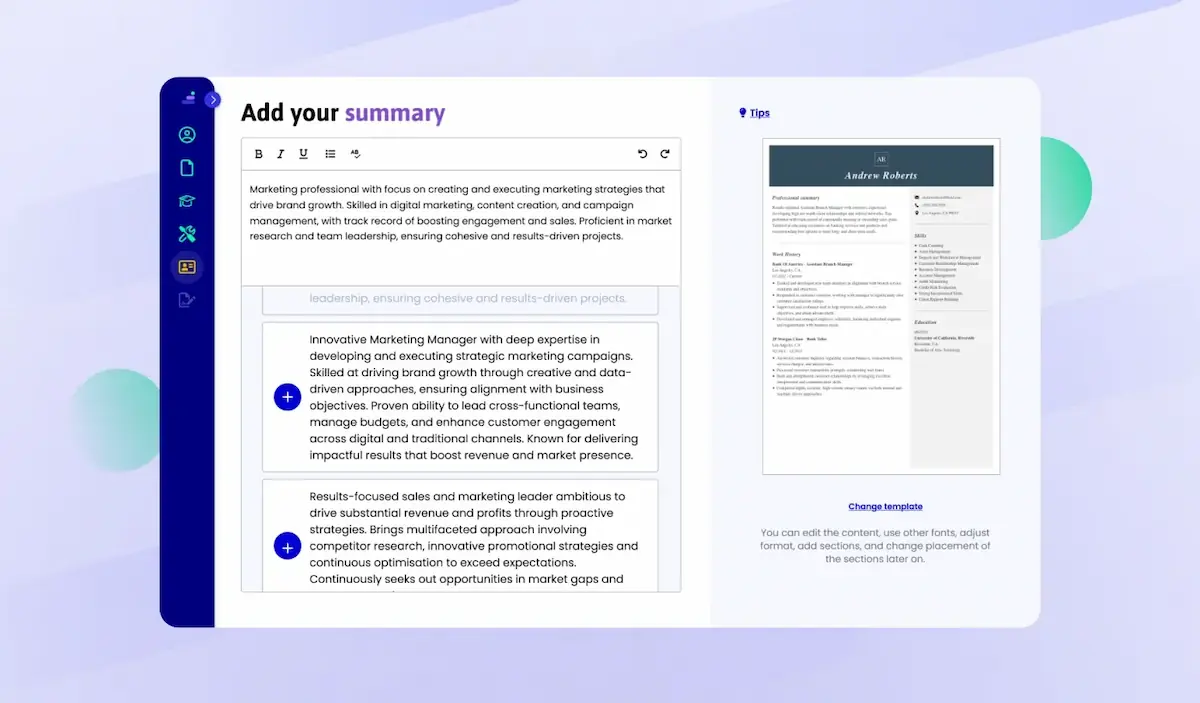
A strong CV summary will convince the recruiter you’re the perfect candidate. Save time and choose a ready-made personal statement written by career experts and adjust it to your needs in the LiveCareer CV builder.
60-second video CV script
Structure your video CV into three concise sections using this 200-word template:
Part 1: The Hook (15 seconds / ~35 words):
Hi, I’m [Name], a [Job Title / Specialty] with over [Number] years of experience in [Key Industry]. I specialize in [Core Skill 1] and [Core Skill 2], helping businesses drive [Key Result].
Part 2: Core Value & Achievements (30 seconds / ~120 words):
In my previous role at [Previous Company], I led [Specific Project or Duty], which resulted in a [Quantified Metric, e.g., 20% increase in sales / 15% reduction in churn]. My core strength lies in combining [Technical Skill] with strong team collaboration to solve [Common Industry Problem].
Part 3: Call to Action (15 seconds / ~35 words):
I’m excited about the opportunity to bring my skills to [Target Company Name] as your next [Role Title]. Thank you for your time, and you can find my full work history in the attached written CV below.
Technical rules for a video CV
To ensure your video CV looks professional:
- Lighting & Background: Position yourself facing a natural light source (window) or soft ring light. Use a clean, uncluttered background (neutral wall, tidy office).
- Camera Placement & Framing: Set your camera or smartphone at eye level. Frame your shot from the chest up (medium close-up) and look directly into the lens, not at your screen.
- Audio Clarity: Use an external lapel mic or USB microphone. Avoid recording in empty rooms with echo or background noise.
- Subtitles / Captions: Add closed captions using free video editors (CapCut, Canva, Premiere). Many recruiters watch videos on mute during initial screening.
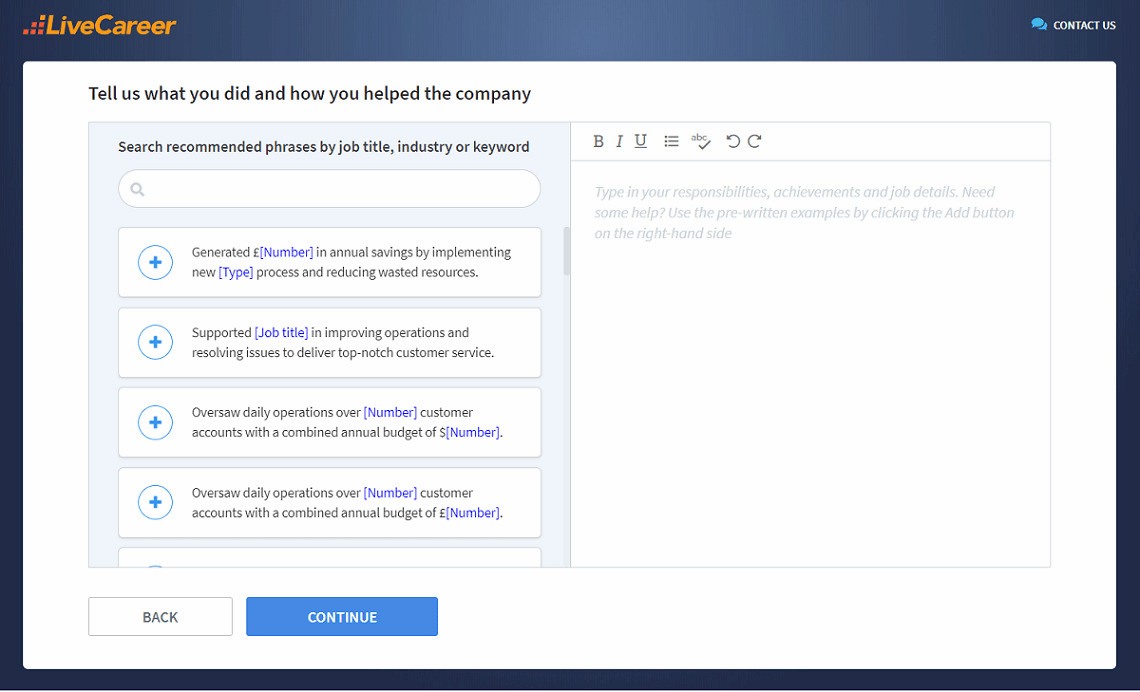
You don’t have to be a CV writing expert. In the LiveCareer CV builder you’ll find ready-made content for every industry and position, which you can then add with a single click.
A video CV is a powerful tool when done right. By following these tips and making a concerted effort to plan and present yourself effectively, you can create a video CV that helps you stand out in a competitive job market. Good luck!
How we review the content at LiveCareer
Our editorial team has reviewed this article for compliance with LiveCareer’s editorial guidelines. It’s to ensure that our expert advice and recommendations are consistent across all our career guides and align with current CV and cover letter writing standards and trends. We’re trusted by over 10 million job seekers, supporting them on their way to finding their dream job. Each article is preceded by research and scrutiny to ensure our content responds to current market trends and demand.
Sources
Frequently asked questions
Do recruiters actually watch video CVs?
Yes, especially in client-facing or creative sectors, a concise video CV helps hiring managers gauge cultural fit and communication skills faster than a written application alone.
Should I send a video CV instead of a written CV?
No. Never send a video CV on its own. Applicant Tracking Systems (ATS) cannot process video files for keyword matching. Always attach a standard Word or PDF CV and include a link to your video CV in the contact details header.
Can I record a video CV with my phone?
Yes, you can record a professional video CV using just your smartphone. You don’t need an expensive camera or professional equipment. Just ensure the place where you are recording has enough light and a clear background for a professional-looking recording.
About the author
Maciej Staszek Tomaszewicz
Maciej is a certified career expert who brings over a decade of expertise in crafting tailored CVs and cover letters. He combines deep industry knowledge with a friendly, accessible writing style, aiming to empower job seekers with practical tips and insightful career advice.
Looking for a job-winning CV?
Crafting a job-winning CV is all about showcasing your unique skills and experiences. Start with a strong personal statement that highlights your career goals and achievements.
Try Our CV Builder Now